- Guides
How to automate orders from Allegro
Five steps from importing orders to printing labels in bulk, so the copy-paste leaves your day.
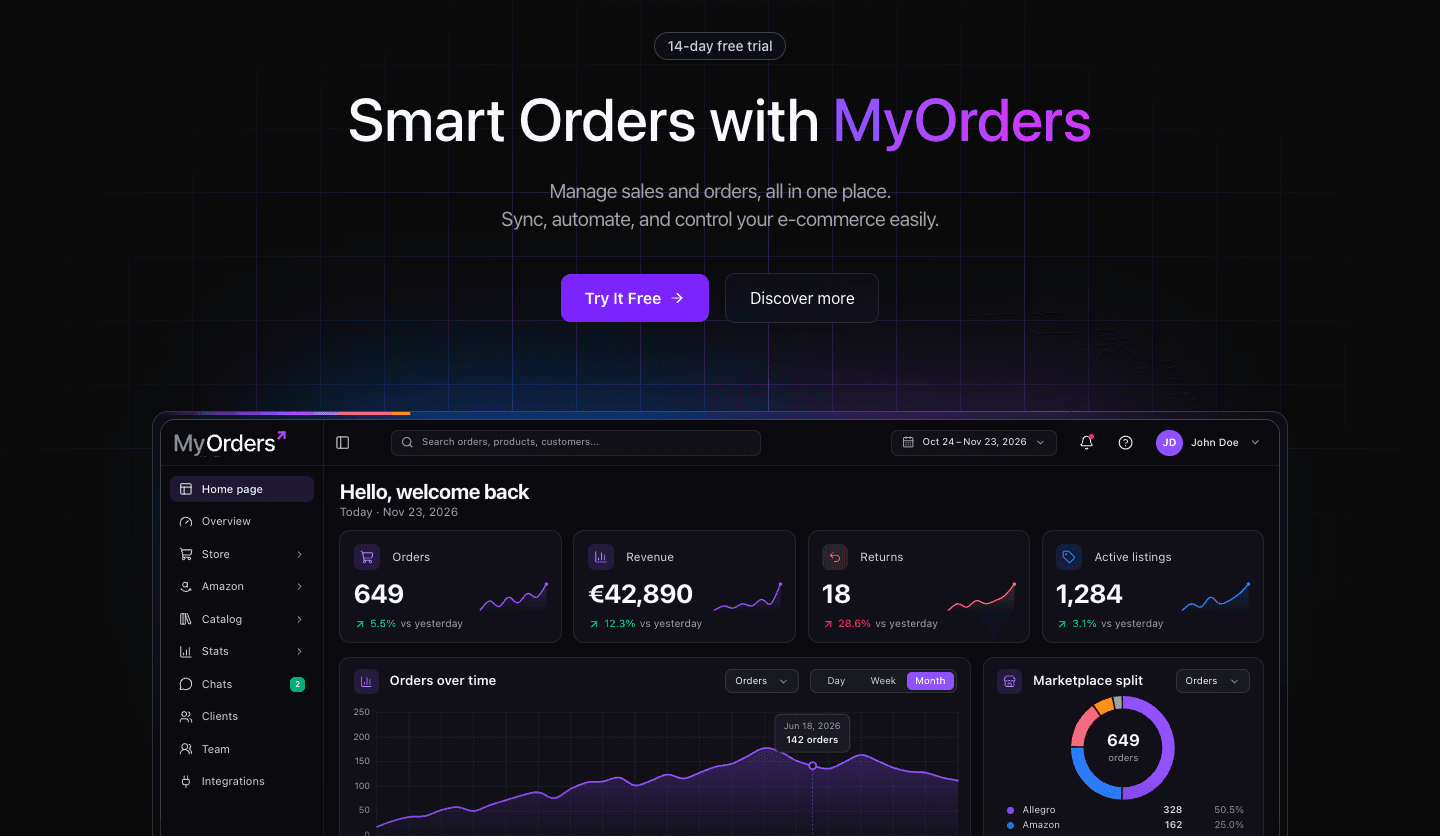
Most sellers start with a spreadsheet. MyOrders connects to Allegro in a few minutes and takes the copy-paste out of your day.
Why automate
Every order you retype is a chance for a typo in an address or a wrong quantity. Automation takes the routine and leaves you the decisions.
Five steps
- Connect your Allegro account.
- Choose what to bring in:
- new and paid orders
- buyer messages
- Set the default carrier for each delivery method.
- Print labels in bulk — select orders and print them all at once.
- Answer buyer messages from the same screen.
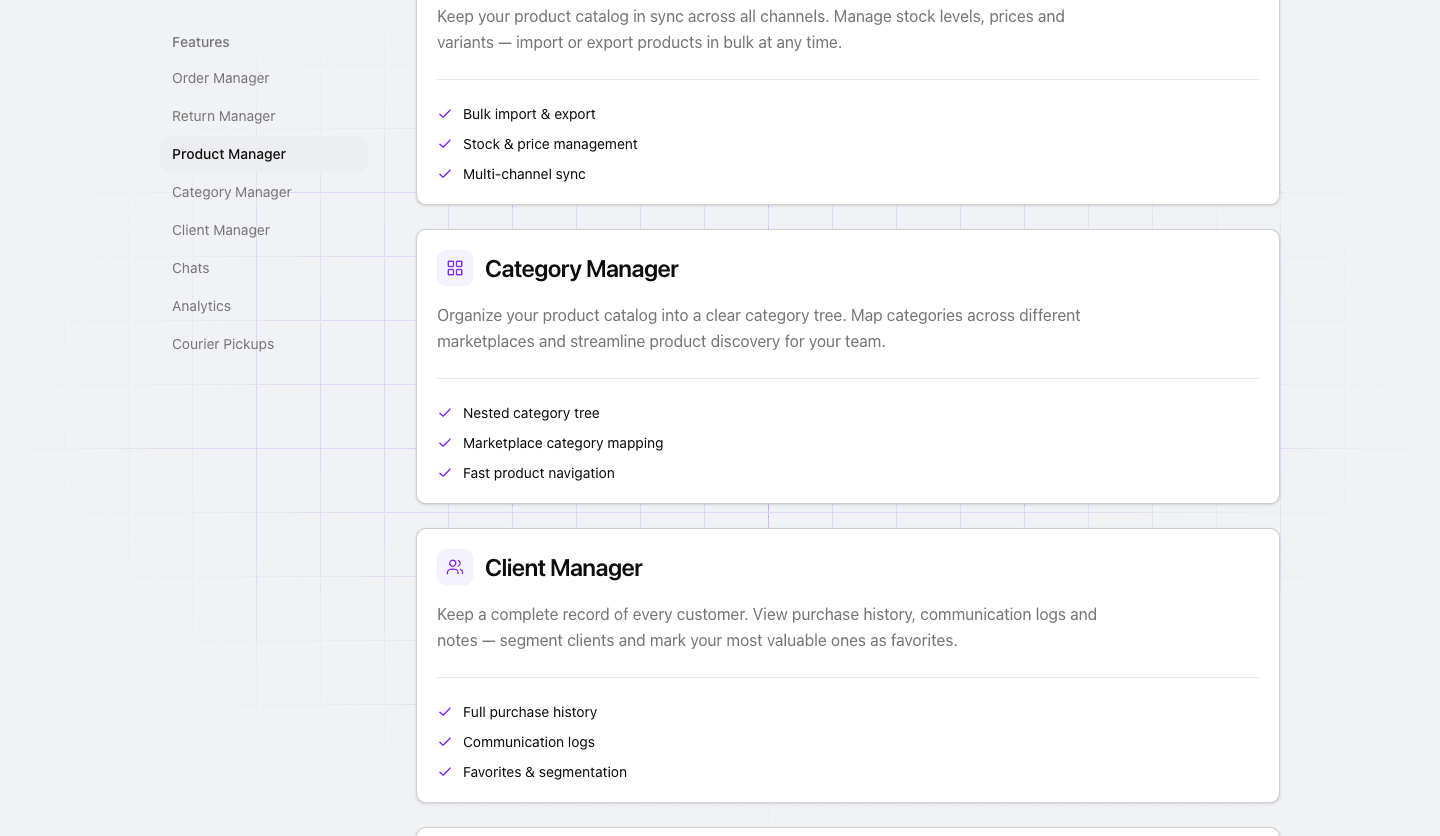
Here is a short look around MyOrders:
Before you start
- An Allegro seller account
- A carrier contract or an InPost account
- Ten minutes for the setup
Tip: start with one delivery method, check the first few labels, then switch on the rest.